
Number plate spacing: what to check before ordering
A practical guide to checking UK registration spacing, avoiding altered layouts and reviewing your number plate preview before ordering.
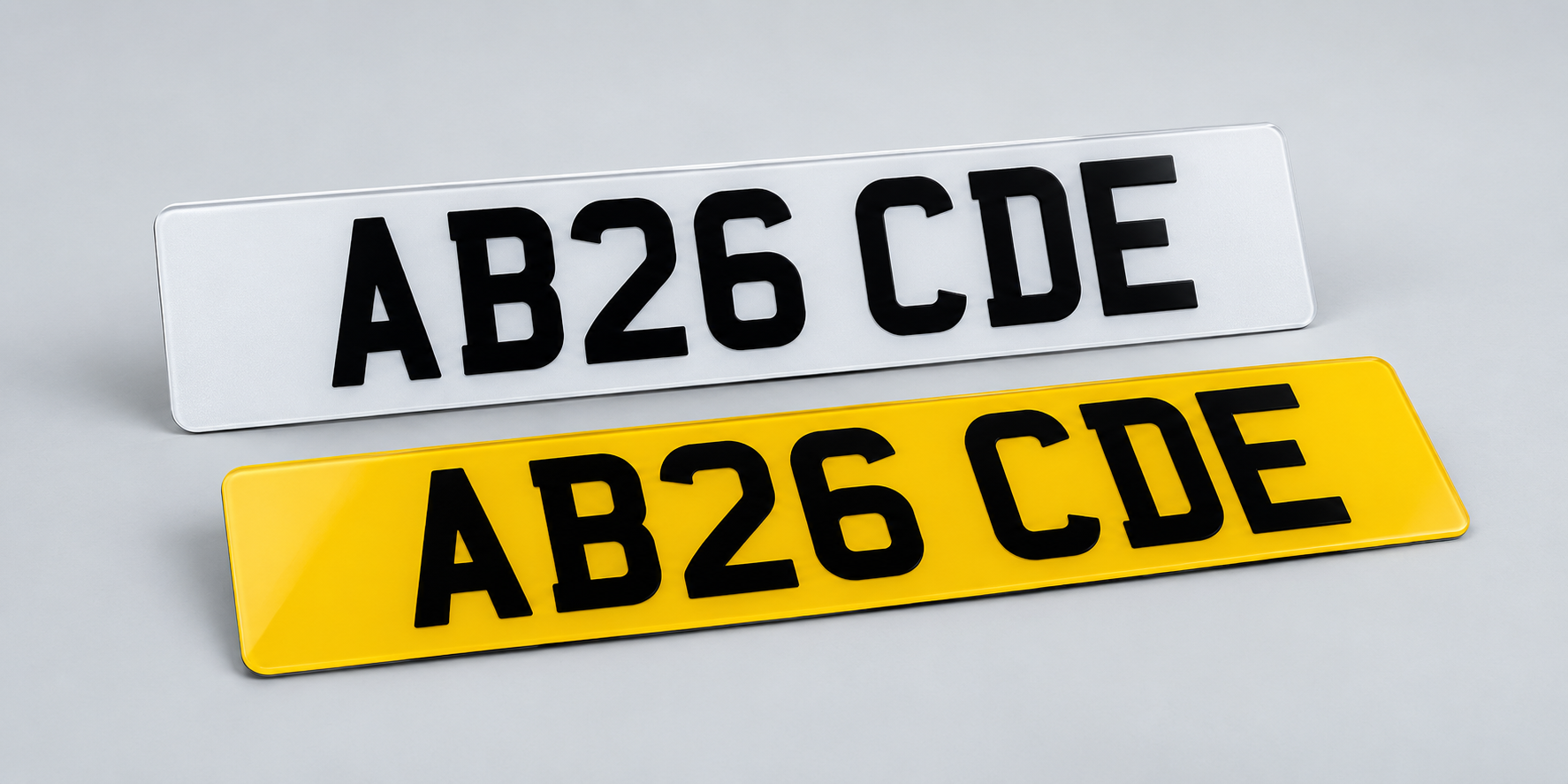
Copy the registration exactly
Start with the registration shown on your V5C or other entitlement document. Check every letter and number before choosing the plate size or lettering finish. Similar-looking characters, such as O and 0 or I and 1, are easy to mistype.
For road use, the registration must be displayed correctly. GOV.UK says you cannot rearrange the letters or numbers, or alter them so they are difficult to read. A personalised registration does not create permission to move the characters into a word or change their appearance.
Keep the groups in the correct layout
A current-style registration normally has two letters, two numbers and three further letters. The space between the groups is part of the prescribed layout, so do not add spaces inside a group or remove the separation to make another word.
Older and dateless registrations use different formats. Use the DVLA INF104 leaflet to check the correct character size and spacing for the vehicle and registration rather than copying a plate whose layout may already be wrong.
Choose Road Legal or Show Plates deliberately
Select Road Legal in the Vista builder when the plates will be used on public roads. The builder applies the road-use layout; review it as a registration number rather than trying to reproduce a nickname or phrase.
Show Plates are for display use and allow the spacing you type. They must not be fitted to a vehicle for public-road use. If your design is for a sign, event or private display, check the preview closely because it will reflect the text and spacing you enter.
Plate size does not change the registration
Choosing a shorter plate or a different shape does not let you squeeze the characters together. The complete registration still needs to fit the selected specification with the required margins and spacing.
Enter the registration before choosing a short size so the builder can apply its character limit. Measure the mounting area separately at the front and rear, and contact Vista before ordering if the registration is close to the available size limit.
Complete a final preview check
Read the preview character by character and compare it with the entitlement document. Then check the plate position, size, lettering style, badge, border and fixings. For a pair, review the white front and yellow rear previews.
GOV.UK says driving with incorrectly displayed plates can lead to a fine of up to £1,000 and an MOT failure. Official guidance checked on 9 October 2026; use the linked GOV.UK and DVLA pages for the current requirements.
- Compare each character with your document.
- Keep the registration groups in their prescribed layout.
- Use Road Legal for plates intended for public roads.
- Check that the chosen size can accommodate the registration.
- Review both previews before placing a pair order.